Manage your day
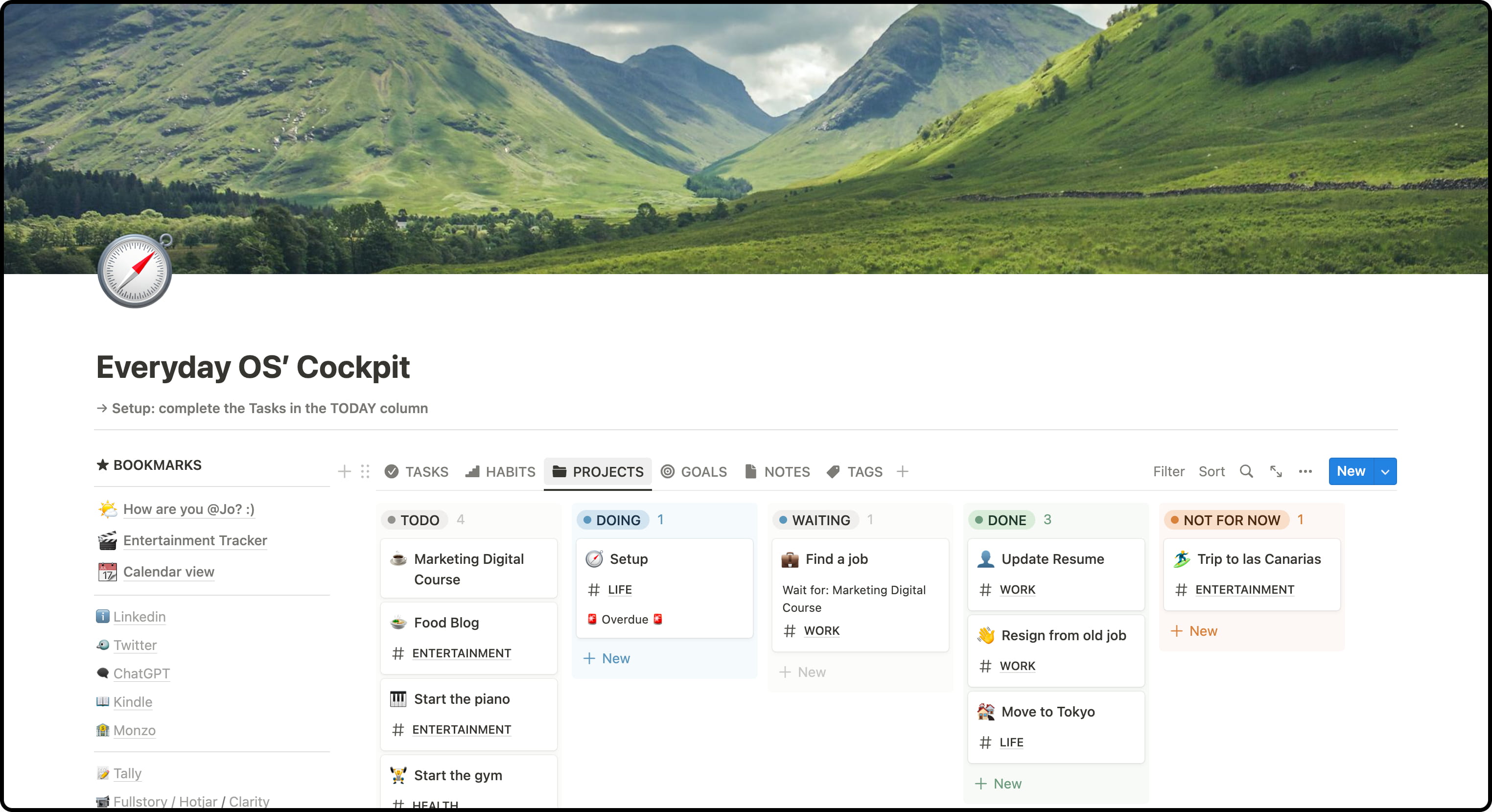
Habits & Tasks, organized in a calm Kanban — know exactly what to do today.
Get into the cockpit of your digital world.
“I came across Jonathan’s pre-made Notion template for sale. And let me tell you, it’s a purchase that makes a lot of sense!”
“I’ve been using Everyday OS for a while now and it’s been incredibly helpful. Totally changed my daily work process.”
Habits & Tasks, organized in a calm Kanban — know exactly what to do today.
Break projects into tasks and notes, then ship them step by step.
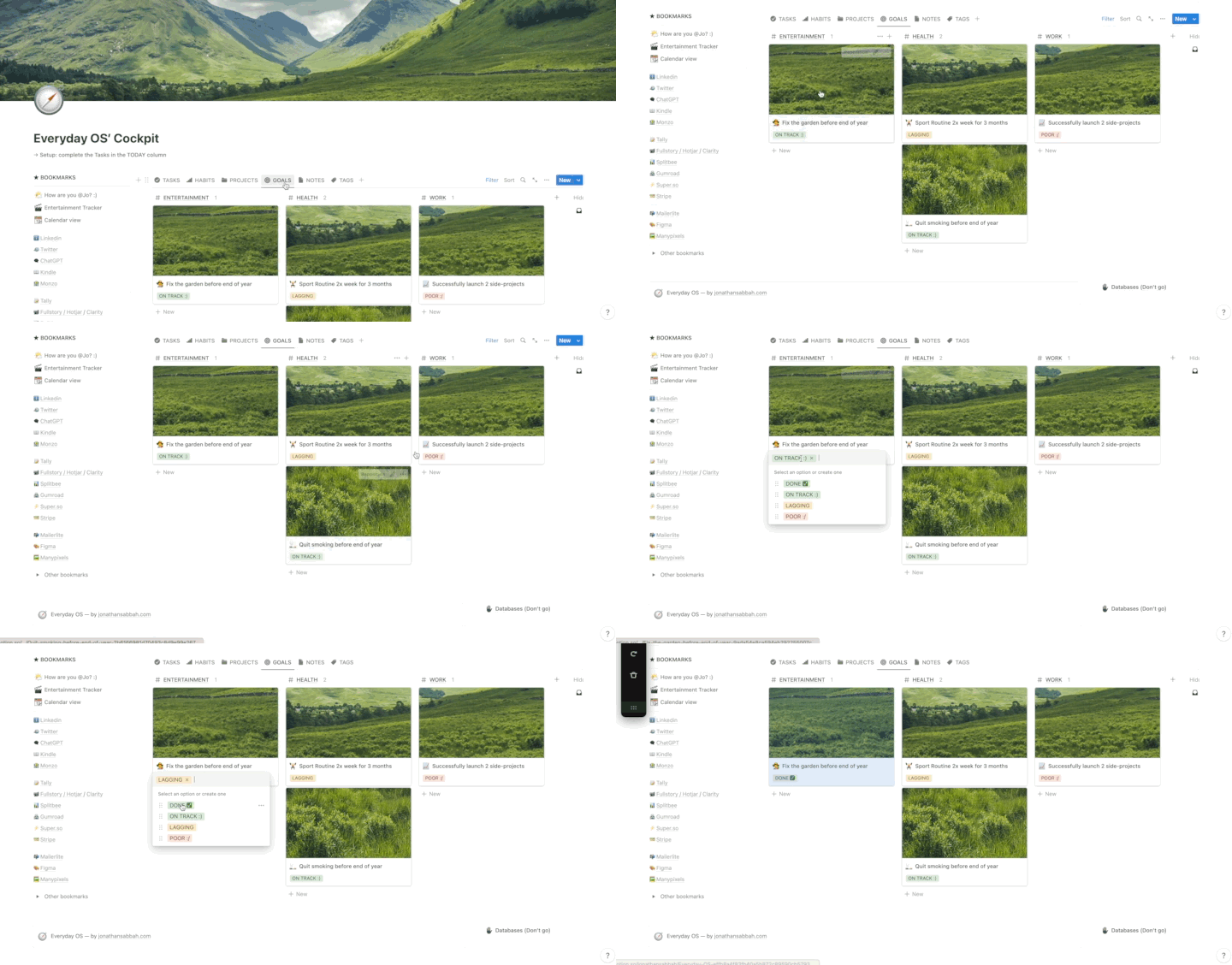
Turn goals into projects, projects into actions. Plus a framework to think through tough decisions.
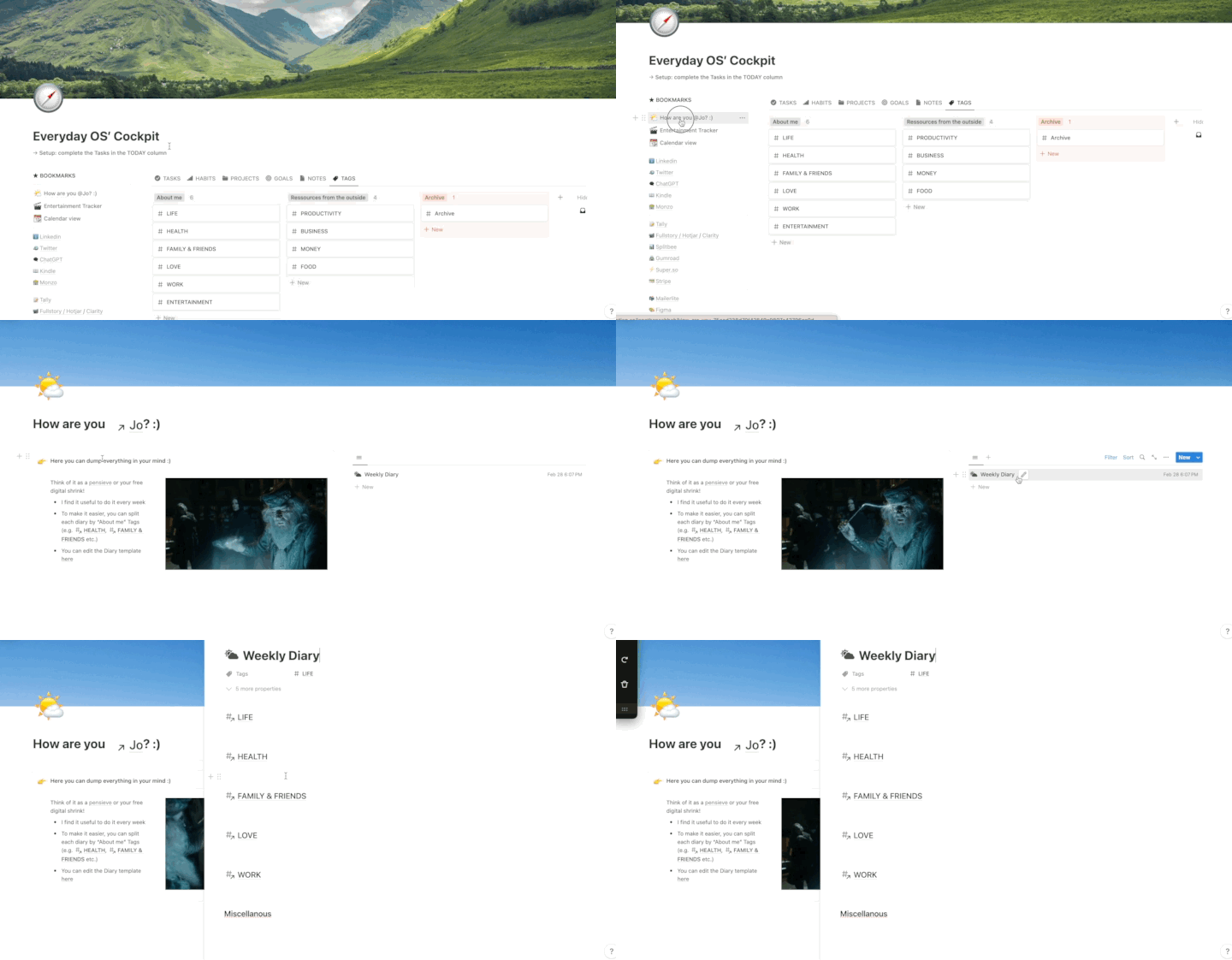
Capture, tag and retrieve everything — clip from the web with the browser extension.
Quickest onboarding ever: a tool to import your notes from Evernote, Notion or Apple Notes, a bookmarks-import tutorial, and a step-by-step intro to the method. Up and running in no time.
Not a monthly payment — you just pay once, yours forever.
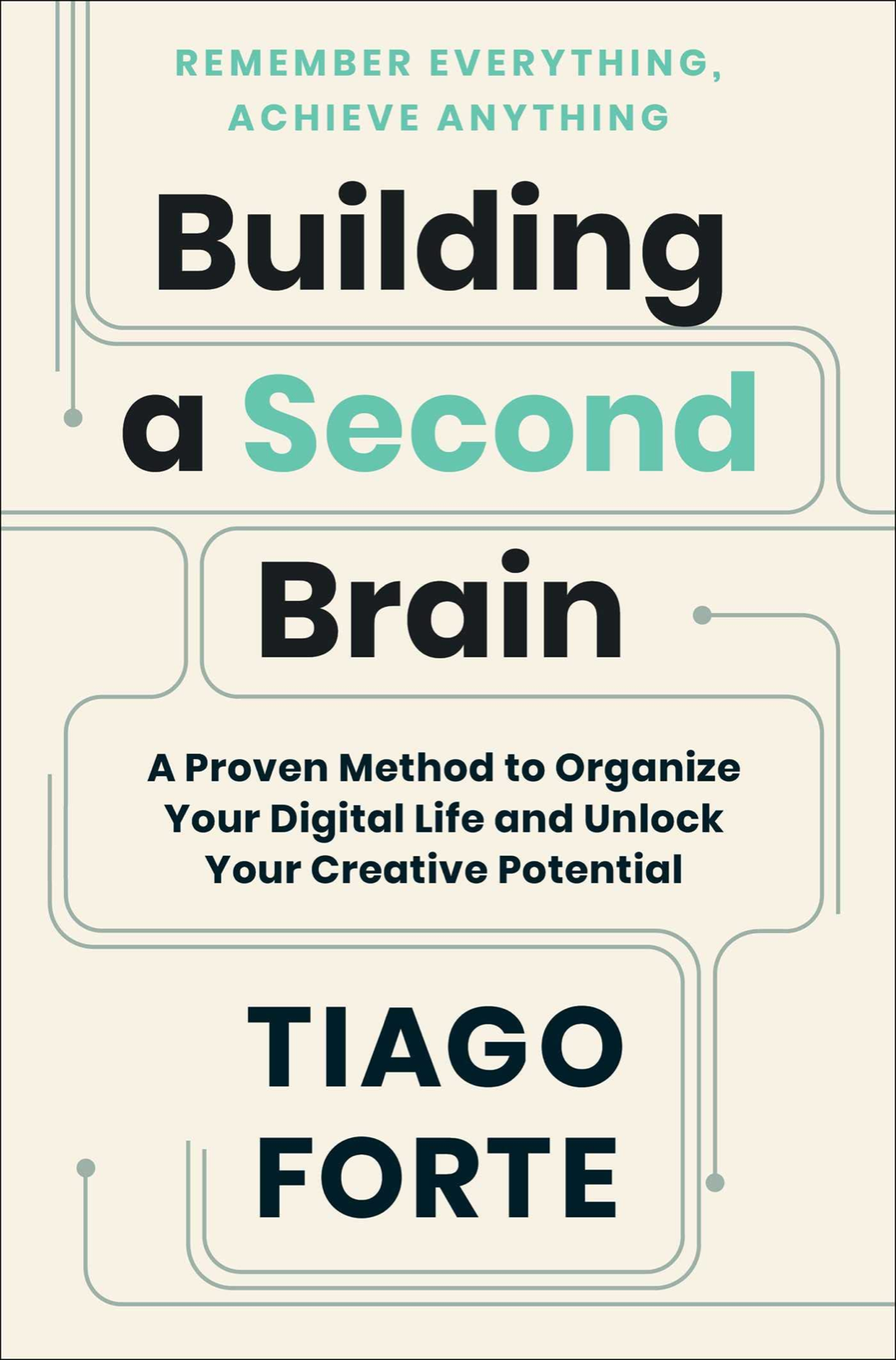
The perfect Second Brain
100€ 50€
lifetime access
My personal templates in one pack
200€ 80€
lifetime access
After purchase you’ll receive a link to duplicate the Everyday OS template into your Notion app. It stores your Tasks, Notes, Projects, Goals, Habits, Entertainment and Tags in databases and displays them in beautiful dashboards. The philosophy: Tasks & Notes power your Projects; Projects help you reach your Goals; Tags centralize Notes, Projects & Goals on the same page (e.g. #HEALTH); Habits and Entertainment live by themselves.
Nope. You only need a free Notion account to start using it.
Yes! I’ll email you all new features and updates, with a tutorial to install them into your Notion workspace.
A collection of pages and databases for Notion.
Yes! It’s a Notion template that belongs to you once you add it to your workspace. Keep in mind that modifying it may make future updates harder to integrate — I provide upgrade guides, but they apply from a common starting point.
It’s available on every platform, with super flexible layouts — databases, kanban boards, calendars and more. With its filter, sort and search, Notion really outshines apps like Evernote, Asana and Trello.
Ex-Lead Product Manager in a large start-up, headmaster of a Product Management bootcamp in Paris, Product Consultant and Notion die-hard fan ♥️
The simplest yet powerful Second Brain — be productive in no time.
Get Everyday OS →